Why Document AI Matters for Modern Teams
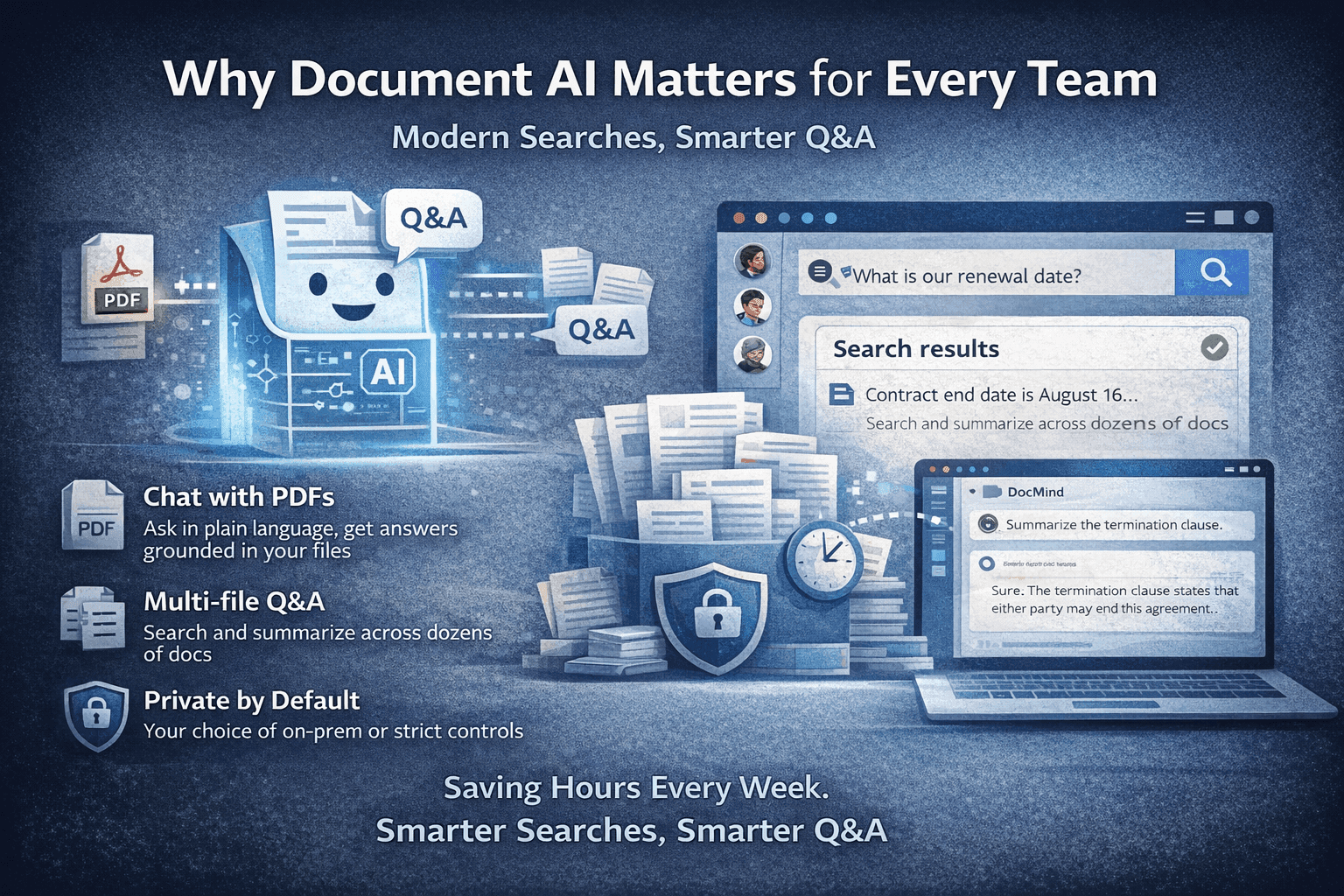
Document AI helps teams search, compare, and question files faster instead of wasting time in PDFs, reports, and scattered docs.
MindParse AI3 min read
Document AI helps teams search, compare, and question files faster instead of wasting time in PDFs, reports, and scattered docs.
Document AI matters because most document work is still slower than it should be. Teams open the same PDFs repeatedly, guess different keywords, and lose time reconstructing context that already exists in their files.
The friction shows up everywhere: contract review, research synthesis, internal knowledge, board reporting, due diligence, and support operations. The better your documents are, the more painful it is when they are hard to search and compare.
Traditional document workflows usually depend on:
So people keep reaching for Ctrl+F, opening five tabs, and still not feeling confident they found the right section.
Good document AI does not just answer one question. It improves the whole workflow:
The gap between a one-off PDF chat tool and a real document workspace comes down to those capabilities.
The pattern is the same across all of them: less document hunting, more time spent deciding and acting.
Document AI only becomes useful in real work when it gives you:
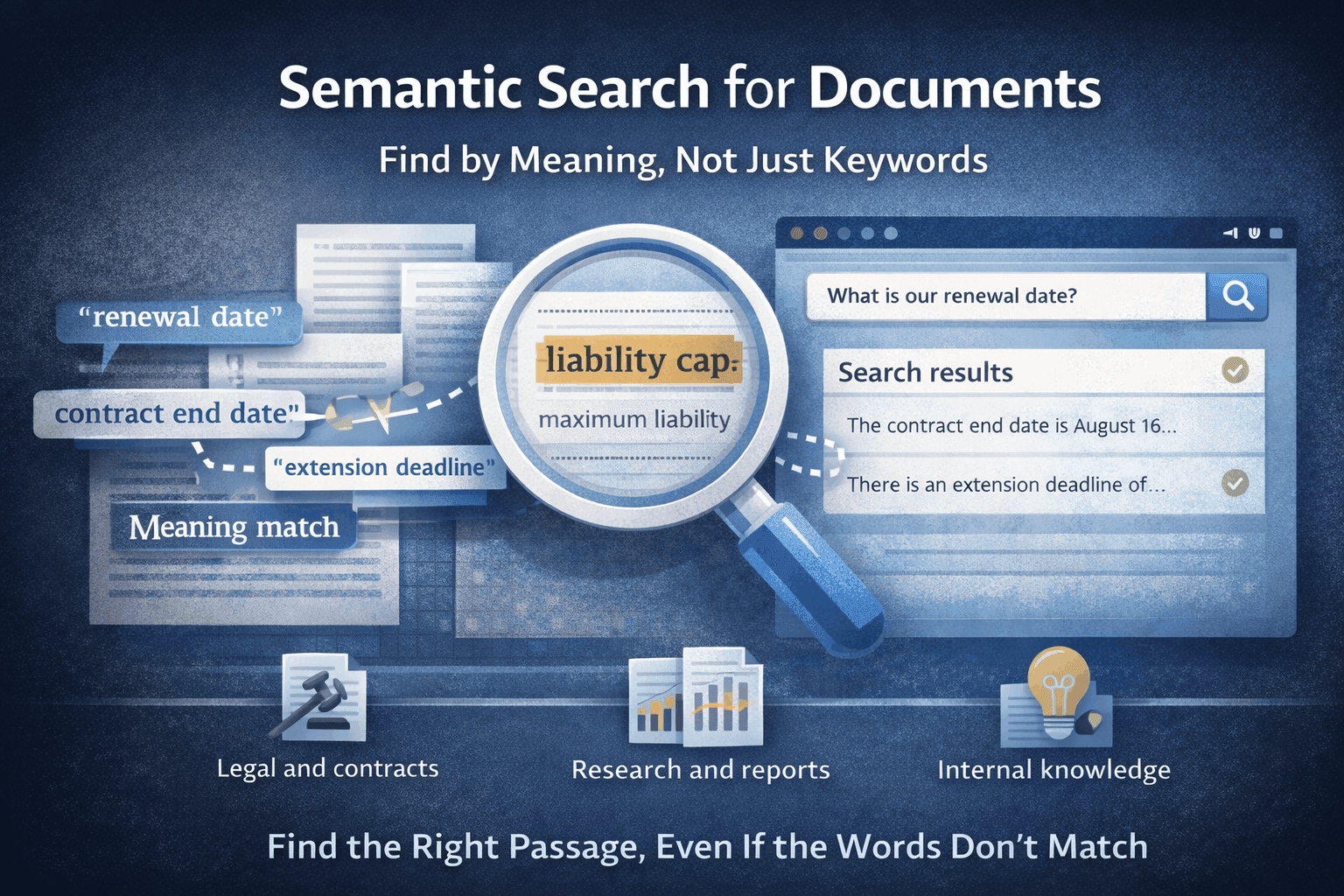
MindParse is built around those conditions through features like chat with PDF, chat with multiple PDFs, and semantic search for documents.
Teams do not just want speed. They also want control over how document AI runs:
If privacy is part of the buying decision, review the security page and privacy policy alongside the product pages.
If you want to see whether document AI is worth it for your team:
A real-workflow test tells you more than any flashy demo.
Find the workflow closest to yours on use cases, then compare pricing or go deeper into chat with PDF and semantic search for documents.
Document AI helps teams search, compare, and question files faster instead of wasting time scrolling through PDFs, reports, and internal documents manually.
Legal teams, researchers, analysts, operations teams, and support teams benefit most because they regularly work across long documents and repeated workflows.
Teams should test a real workflow, not a random demo. Look for grounded answers, semantic search, multi-file support, and a workspace model that fits repeat use.
Related articles you might find useful.
Explore more
Use these pages to move from an article into product evaluation or a concrete workflow.
Read more practical guides, comparisons, and workflow breakdowns.
See which team workflow matches the topic you are researching.
Review the core PDF question-answering workflow in MindParse.
Learn how retrieval and search-by-meaning fit the workflow.
Check plan limits and team features when you are ready to evaluate.