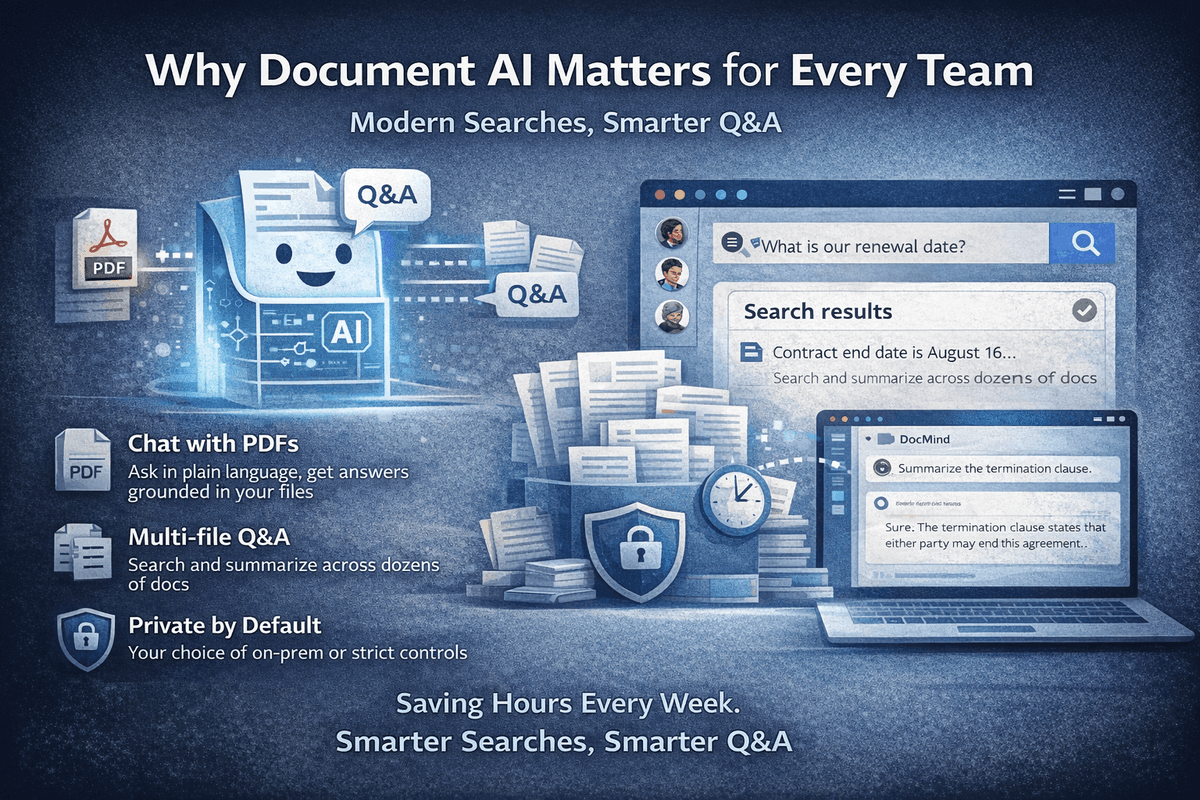
Ask questions, get answers
Get answers from your documents with context. Chat across multiple files or lock to one. Works in your language.
Start now📚 Not another chat window. A workspace where your documents live, stay indexed, and become searchable over time. Ask questions across files, run semantic search, collaborate with your team, and pick the AI model that fits the task.
Not sure where to start? Explore use cases for lawyers, researchers, internal knowledge bases, and more, or deep dives like chat with PDF and semantic search. For workflows and comparisons, read the document AI blog.
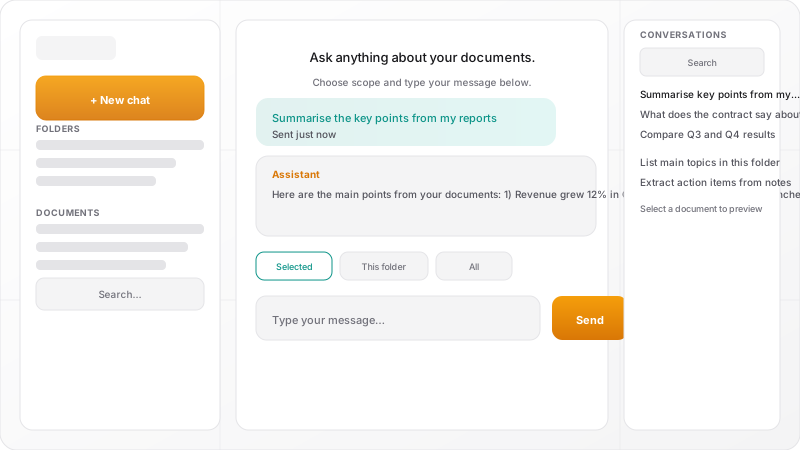
Upload PDFs, text, Markdown, CSV, or Excel files into your workspace.
Your files get indexed automatically. Configure OpenAI or Ollama embeddings for semantic search, or rely on full-text context out of the box.
Ask questions and get answers. Choose Ollama, GPT, Claude, or Gemini from the model dropdown.
No document memory between sessions
Persistent workspace with indexed documents
Manual file uploads every time
Organized folders, multi-file search, chat threads
One model, one provider
Switch between OpenAI, Claude, Gemini, or Ollama instantly
No team features
Workspaces, plus roles, invites, and audit logs on Team
Get answers from your documents with context. Chat across multiple files or lock to one. Works in your language.
Start nowYour workspace and documents are yours. No training on your data; run with Ollama locally or use your own API keys.
Start now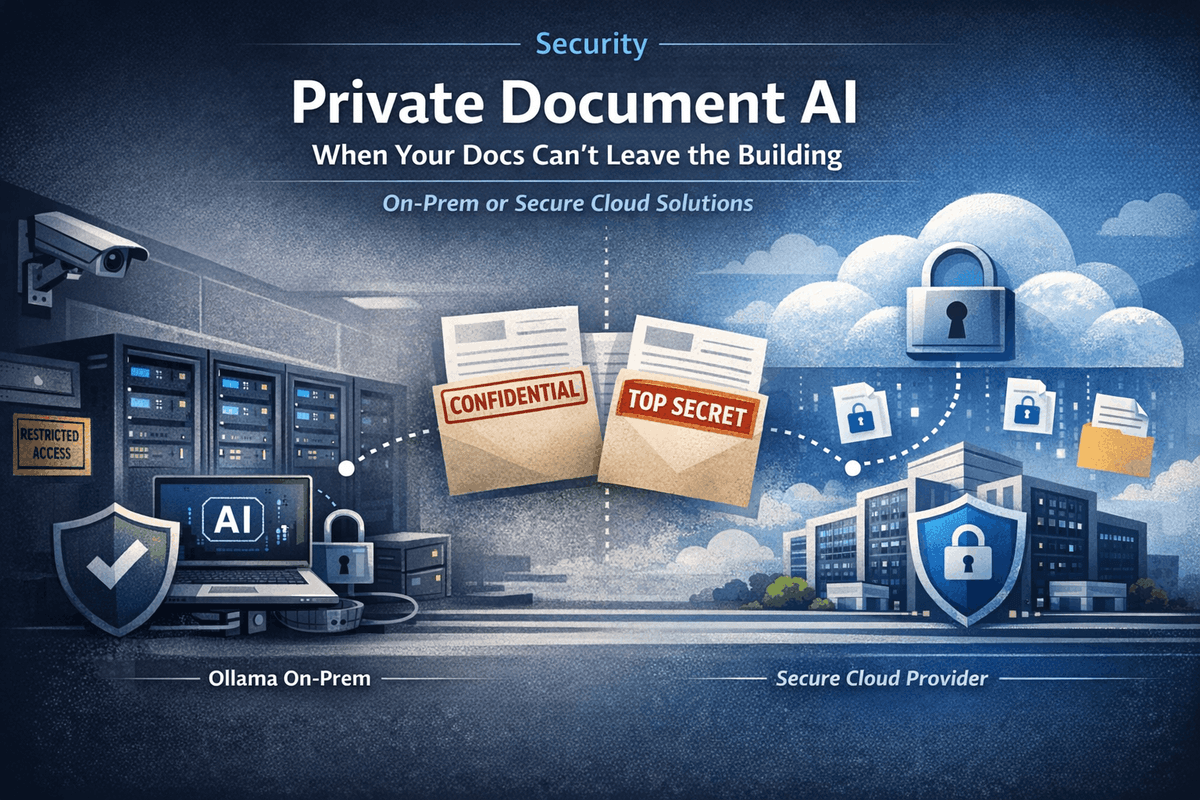
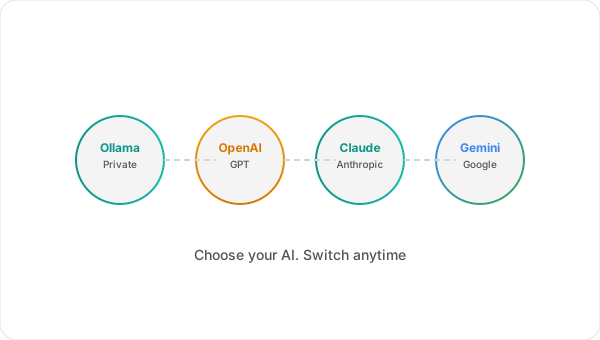
Use Ollama for zero-cost chat, or add OpenAI, Anthropic, or Google (Gemini) for embeddings and more models. You choose.
Start nowChatGPT is great for general questions. But when you work with documents daily, you need more.
Your documents stay indexed and searchable
Ask questions across entire folders, not one file at a time
Shared workspaces with proper access control
Switch AI providers based on the task
Use your own keys or run locally
Save conversations, summaries, and extracted data
If documents are central to how you work, not just something you open once, this is the tool that keeps up.
Your documents are never used to train public models. Your workspace stays private.
Run Ollama on your machine for chat; no document data needs to leave your device.
Use your own OpenAI and Anthropic API keys. We don’t store or reuse them beyond your requests.
All data sent to and from the app is encrypted. Use HTTPS in production.
Upload the documents you already work with, ask your first question, and see what changes when your files have memory.
Create free accountNo credit card required. Free plan includes 1 workspace, 10 documents, and 250 AI credits/month.
Start with the workflow or buying page that matches what you need next.
See the core single-document workflow for grounded Q&A and cited answers.
Compare several files in one workspace when answers live across documents.
Understand how search-by-meaning helps teams find the right passage faster.
Compare Free, Pro, and Team plans before you start a workspace.
Browse legal, research, client-work, and knowledge-base workflows.


