Semantic Search vs Keyword Search
Use keyword search for exact strings and semantic search for meaning. Here is when each works best in real document workflows.
MindParse AI3 min read
Use keyword search for exact strings and semantic search for meaning. Here is when each works best in real document workflows.
Keyword search and semantic search solve different problems. If you confuse them, you usually end up disappointed with both.
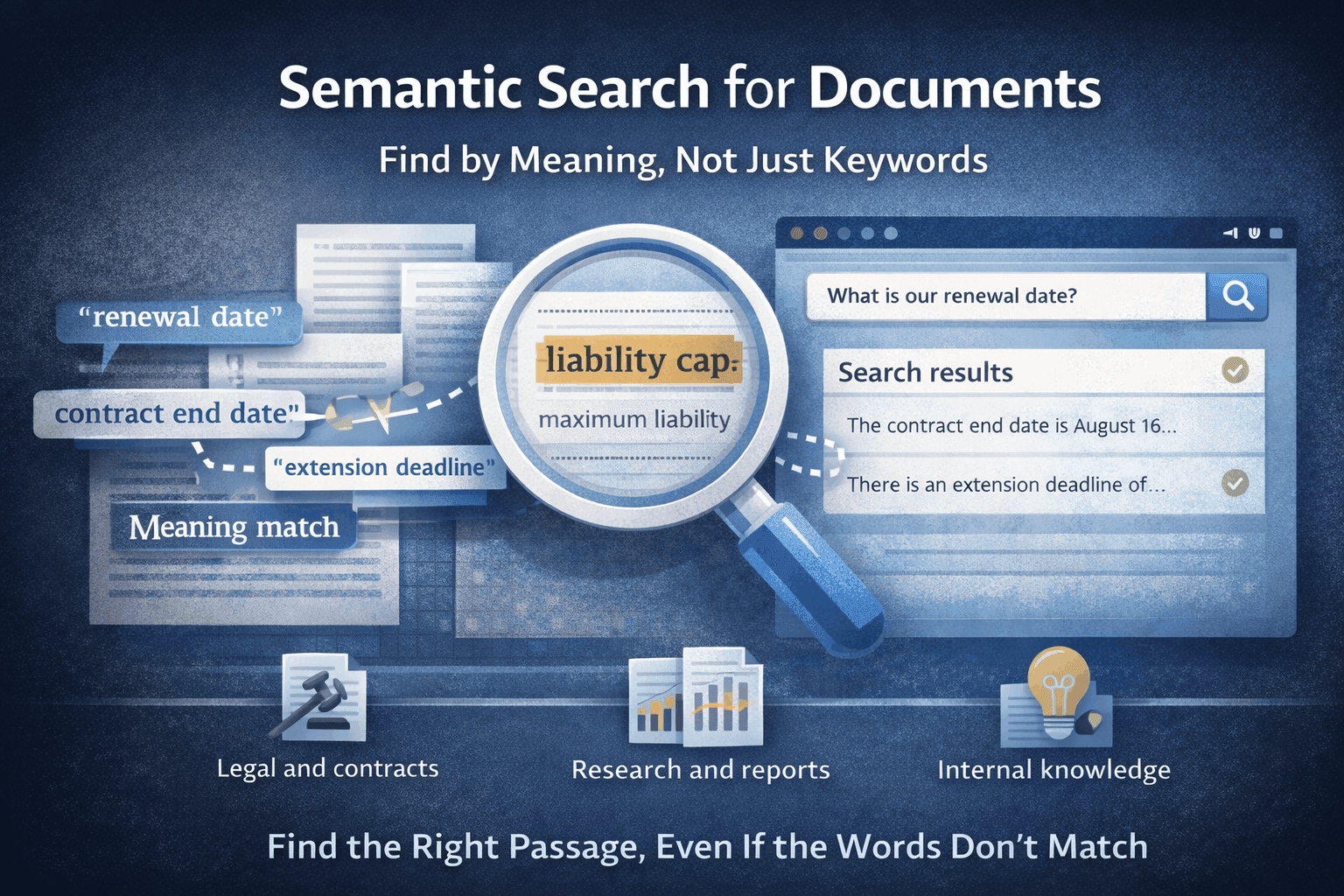
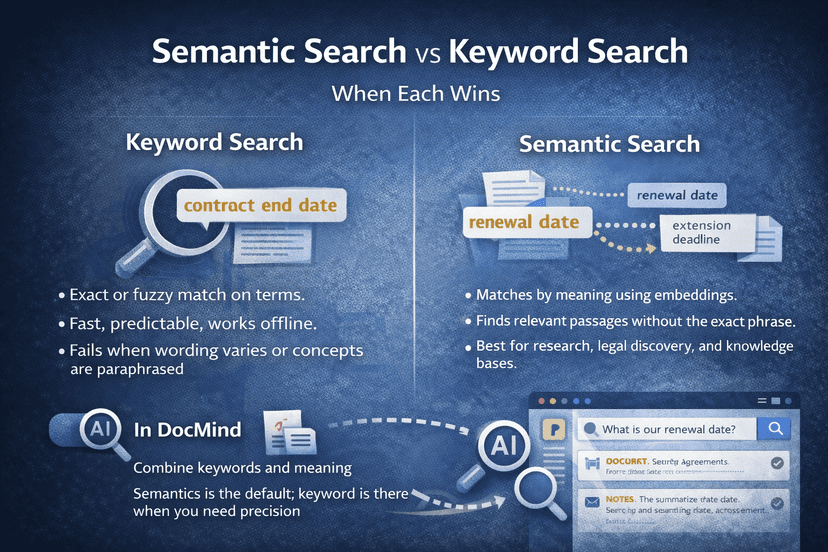
Keyword search is great when you know the exact wording. Semantic search is better when you know the idea but not the phrasing used inside the document. Most serious document workflows need both.
Keyword search is the right tool when you need:
If you know the document says "Article 5.2" or "INV-2035", keyword search is hard to beat.
Pure keyword search becomes brittle when:
The concept is there, but the exact string is not.
Semantic search works best when your real question is:
Semantic search handles exactly this. See semantic search for documents, AI document analysis, and multi-file workflows.
In each case, the wording inside the documents can vary a lot. Semantic search helps you land on the right area faster.
In practice, strong teams usually combine them:
This "search first, then interpret" pattern is one of the most useful ways to work inside MindParse.
Inside a workspace, a common flow is:
It also explains why chat with multiple PDFs works well when paired with semantic retrieval.
For document-heavy work:
If your team mostly works with long-form documents and inconsistent wording, semantic search usually becomes the more valuable starting point.
See semantic search in context on semantic search for documents, chat with multiple PDFs, and use cases. Comparing workflow depth or limits? Review pricing.
Use keyword search when you need an exact phrase, ID, code, clause number, or string match.
Semantic search is better when you know the concept you want but not the exact wording used in the document.
Yes. Strong document workflows usually use semantic search to find the right passages first, then keyword search for exact verification inside those passages.
Related articles you might find useful.
Explore more
Use these pages to move from an article into product evaluation or a concrete workflow.
Read more practical guides, comparisons, and workflow breakdowns.
See which team workflow matches the topic you are researching.
Review the core PDF question-answering workflow in MindParse.
Learn how retrieval and search-by-meaning fit the workflow.
Check plan limits and team features when you are ready to evaluate.